



 简体中文
简体中文 English
FAQ
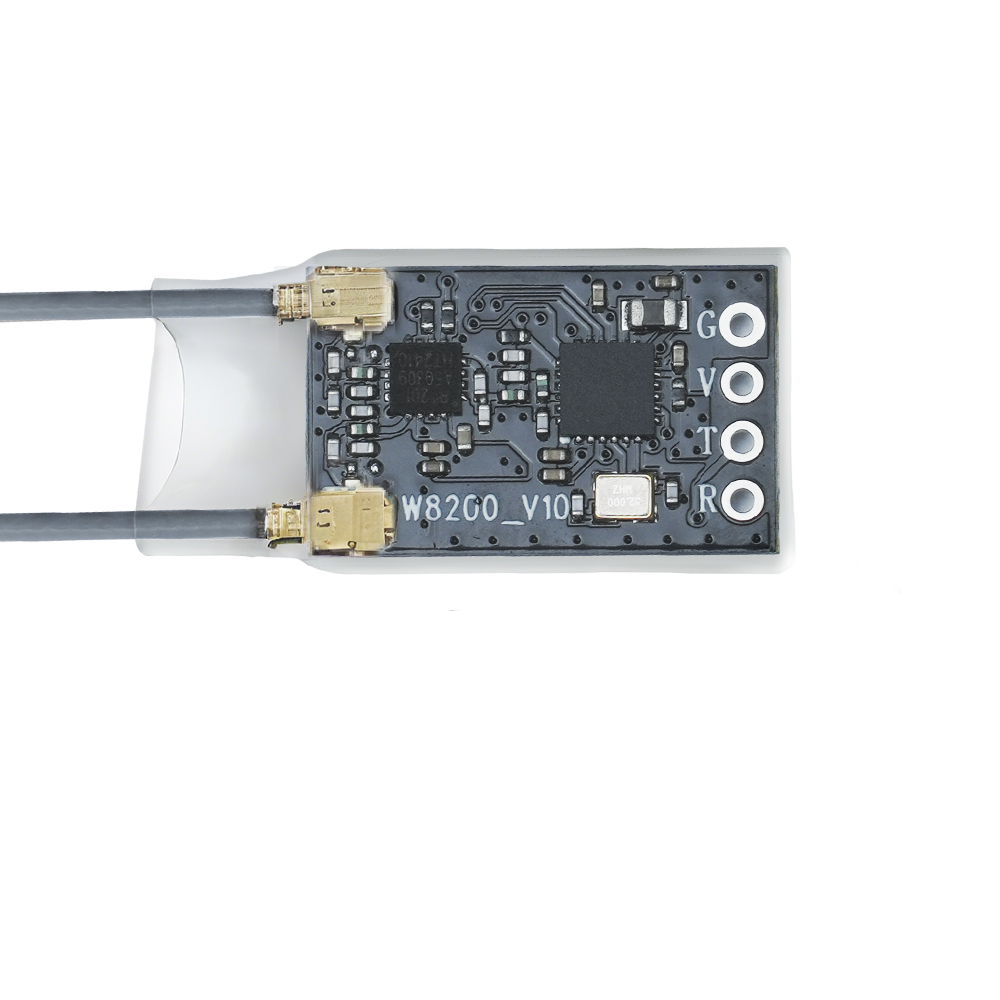
Q:What transmitters are compatible with R8SM?
Q:What transmitters are compatible with R8SM?
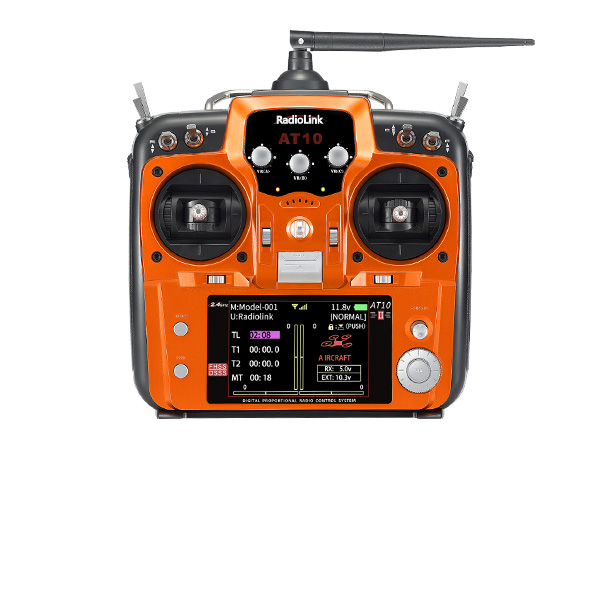
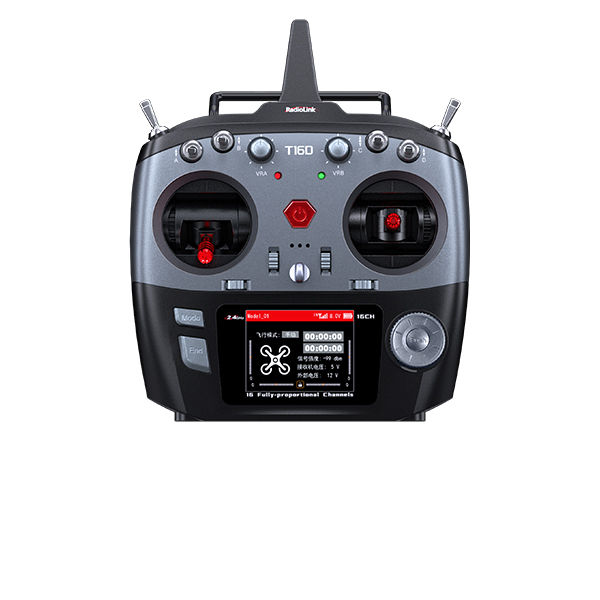
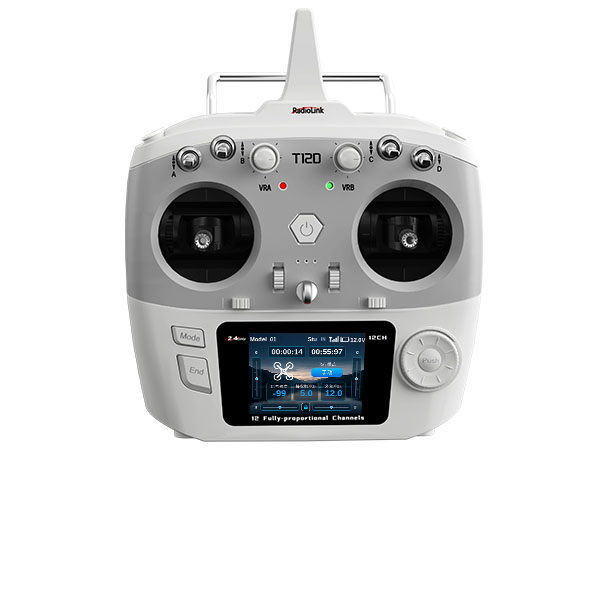
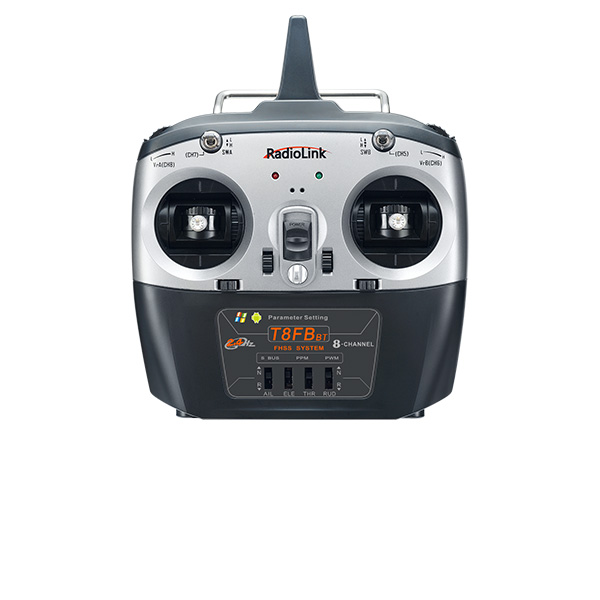
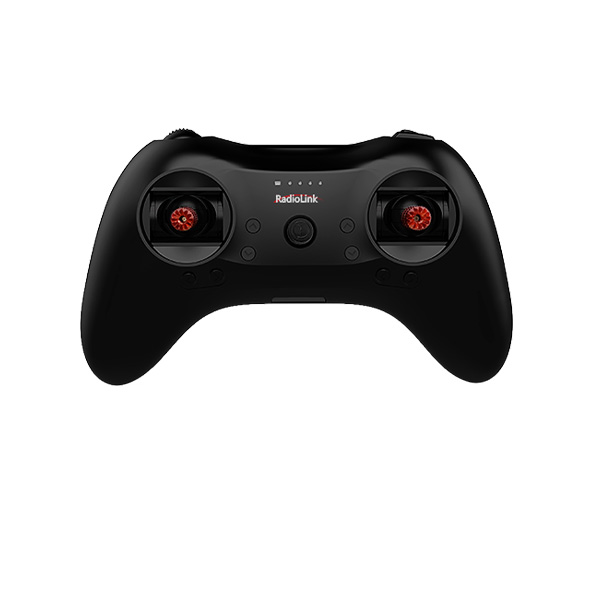
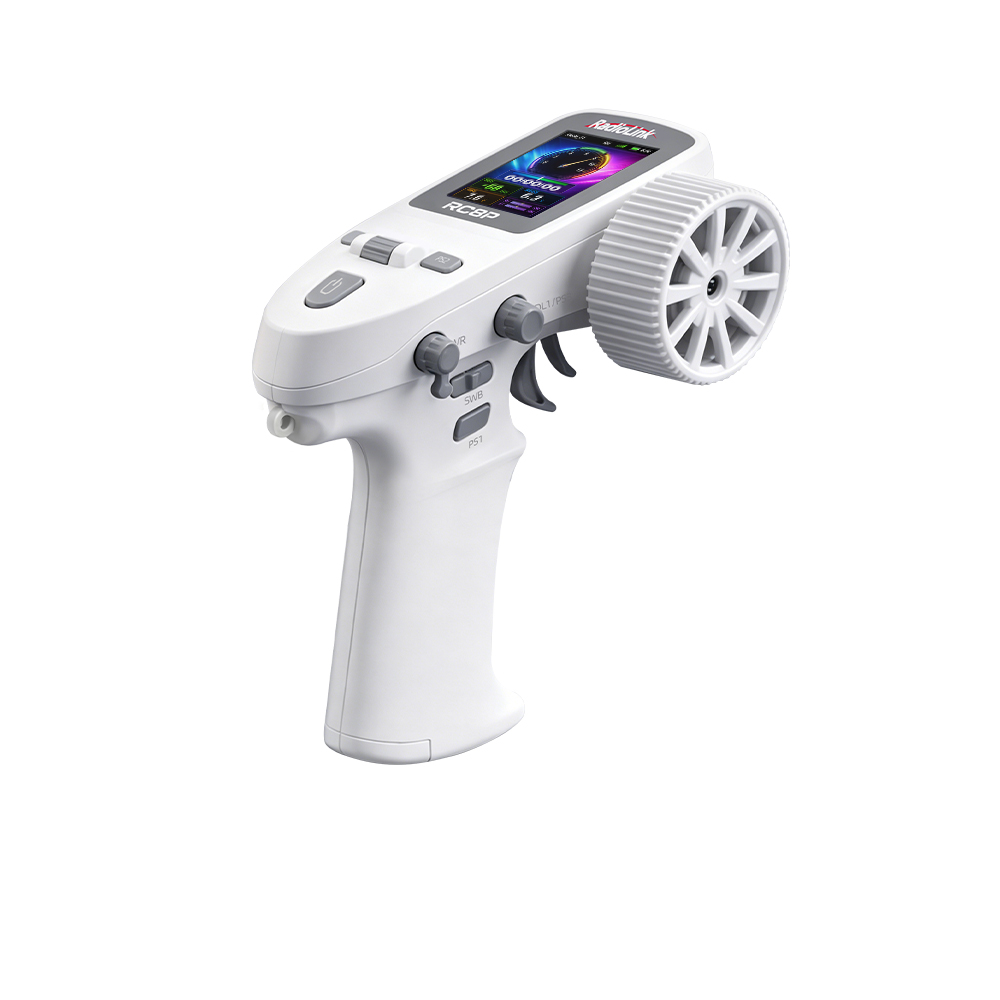
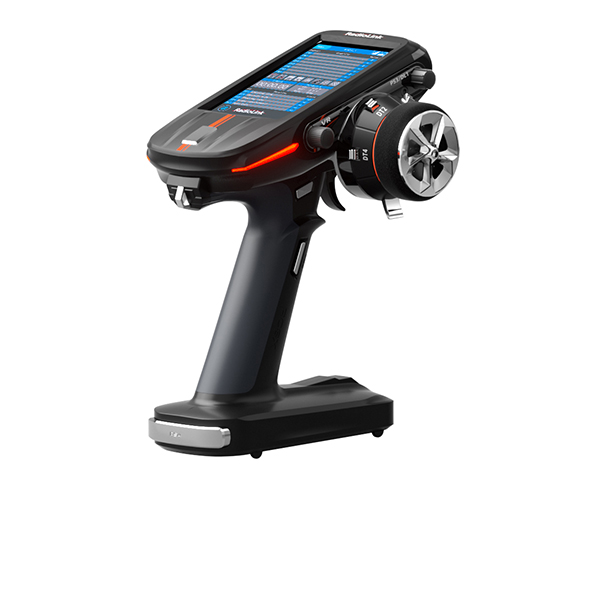
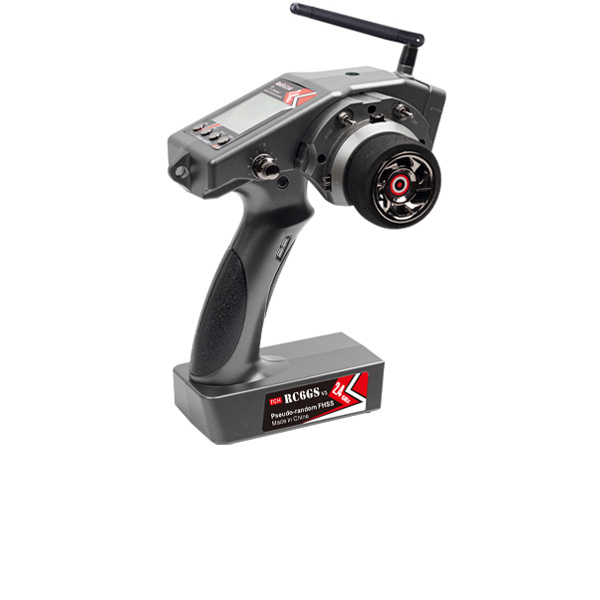
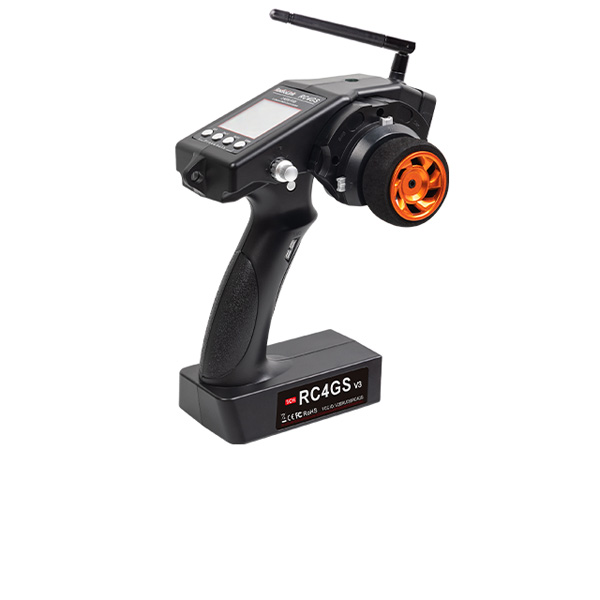
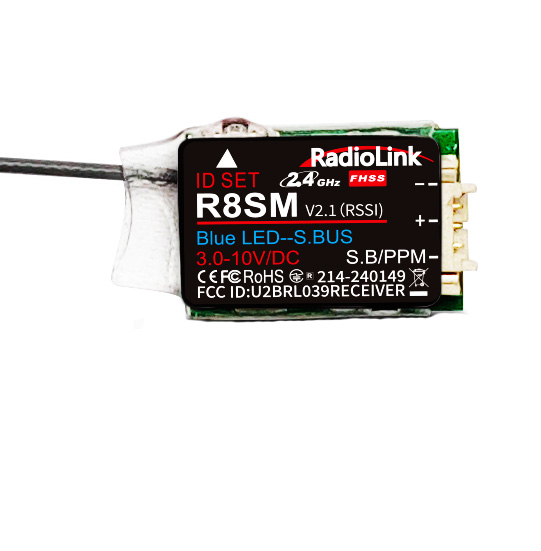
A:R8SM is compatible with RadioLink RC8P/T16D/T12D/T8S/T8FB/RC6GS V3/RC4GS V3/RC6GS V2/RC4GS V2/RC6GS/RC4GS.
Q:How to bind R8SM to RadioLink transmitter?
Q:How to bind R8SM to RadioLink transmitter?
A:
1. Put the transmitter and the receiver close to each other (about 50 centimeters) and power both on.
2. Switch on the transmitter and the LED of R8SM will start flashing slowly.
3. There is a black binding button (ID SET) on the side of receiver. Press the button for more than 1 second and release, the LED will flash quickly, meaning binding process is ongoing.
4. When the LED stops flashing and is always on, binding is complete and there will be a signal tower shown on top of the LCD screen of the transmitter. If not succeed, the LED will keep flashing slowly to notify, repeat the above steps.
Note: If bind to transmitters without screen like T8S or T8FB, the always on LED means binding completed.
Q:What signal outputs does R8SM support?
Q:What signal outputs does R8SM support?
A:R8SM supports SBUS and PPM two signals output.
Receiver indicator is RED with all 8 channels output PPM signal.
Receiver indicator is Blue (Purple) with 8 channels output SBUS signal.
Q:How to switch the signal working modes?
Q:How to switch the signal working modes?
A:Short press the binding button (ID SET) twice within 1 second. When the Red indicator is on, signal output is PPM. When the Blue/purple led is on, signal output is SBUS.
Q:What is the operating voltage range that R8SM supports?
Q:What is the operating voltage range that R8SM supports?
A:The operating voltage range of R8SM is from 3V to 6V.
Q:What’s the control range of R8SM?
Q:What’s the control range of R8SM?
A:The control range is 2km in the air. The maximum range is tested in unobstructed areas free of interference.
Q:Why the LED of R8SM keeps flashing slowly?
Q:Why the LED of R8SM keeps flashing slowly?
A: The slow flashing LED means binding doesn’t succeed or the signal gets lost after binding completes.
Q: How to output RSSI value from receiver R8SM/R8FM to FPV when connect to Betaflight F4/F7?
Q: How to output RSSI value from receiver R8SM/R8FM to FPV when connect to Betaflight F4/F7?
A: Click the website to check setting steps: https://www.radiolink.com/newsinfo/504919.html
Q: How to output RSSI value from receiver R8SM/R8FM to FPV when connect to the Mini Pix/TURBO PiX/PIXHAWK?
Q: How to output RSSI value from receiver R8SM/R8FM to FPV when connect to the Mini Pix/TURBO PiX/PIXHAWK?
A: Click the website to check setting steps: https://www.radiolink.com/newsinfo/504912.html
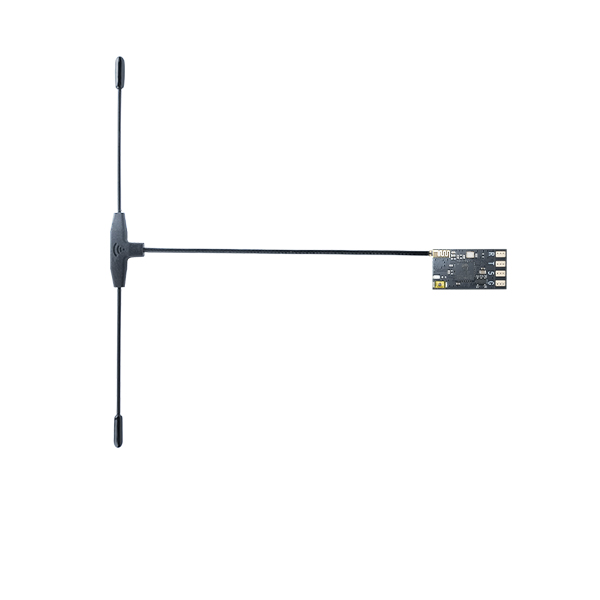
Q: How to install the receiver antenna?
Q: How to install the receiver antenna?
A: Please follow this tutorial: https://www.youtube.com/watch?v=-e1XzRnMnhs
Q: How to supply power to the receiver without using the ESC?
Q: How to supply power to the receiver without using the ESC?
A: Please follow this tutorial: https://www.youtube.com/watch?v=nquuvM3hmtw
Q: How to output the RSSI value from the receiver to FPV when the transmitter is T16D/T12D/T8FB/T8S, the flight controller is an F4/F7/F722/F405, and the receiver is R8FM/R8EF/R8SM/R8XM/R7FG?
Q: How to output the RSSI value from the receiver to FPV when the transmitter is T16D/T12D/T8FB/T8S, the flight controller is an F4/F7/F722/F405, and the receiver is R8FM/R8EF/R8SM/R8XM/R7FG?
A: Please follow the guide: https://radiolink.com.cn/ttransmitter_betaflight_rssi_output
Q: How to output the RSSI value from the receiver to FPV when the transmitter is T16D/T12D/T8FB/T8S, the flight controller is PIX6/PIXHAWK/CrossFlight/CrossFlight-CE/CrossRace/CrossRace Pro/Mini Pix, and the receiver is R8FM/R8EF/R8SM/R8XM/R7FG?
Q: How to output the RSSI value from the receiver to FPV when the transmitter is T16D/T12D/T8FB/T8S, the flight controller is PIX6/PIXHAWK/CrossFlight/CrossFlight-CE/CrossRace/CrossRace Pro/Mini Pix, and the receiver is R8FM/R8EF/R8SM/R8XM/R7FG?
A: Please follow the guide: https://radiolink.com.cn/ttransmitter_pixhawk_rssi_output