





 简体中文
简体中文 English
搜索结果建议
快速链接
FAQ
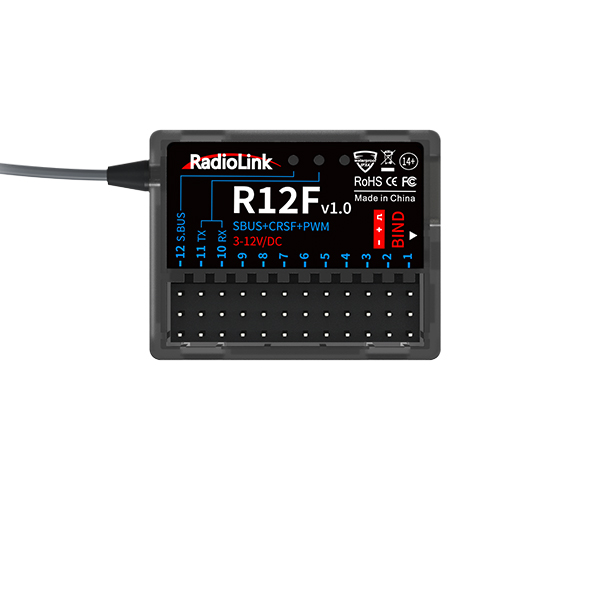
Q: What signal does R12F support?
Q: What signal does R12F support?
A: R12F supports SBUS, PWM, and CRSF signals output synchronously.
PWM working mode: Red LED always on indicates PWM signal output, 12 channels total.
PWM+SBUS working mode: Blue and red LED always on indicates PWM+SBUS signals output.
CH1 to CH11 are with PWM signal output while CH12 with SBUS signal output.
Users can personalize signal output mode to fully enjoy the fun of a model bait boat or car with FPV.
PWM+CRSF+SBUS working mode: Blue, green, and red LEDs always on indicate PWM+CRSF+SBUS signal output.
CH1 to CH9 outputs the PWM signal, CH10 to CH11 outputs the CRSF protocol, and CH12 outputs the SBUS signal.
Q: What transmitters are compatible with R12F?
Q: What transmitters are compatible with R12F?
A: R12F is compatible with RadioLink T series aircraft transmitters and all the surface transmitters.
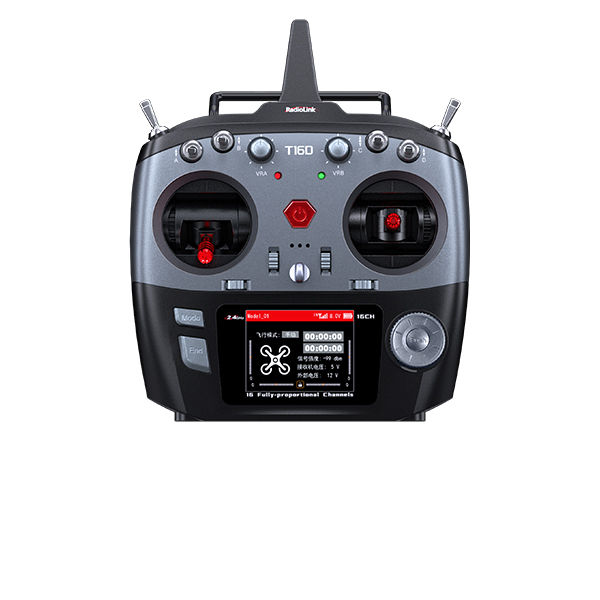
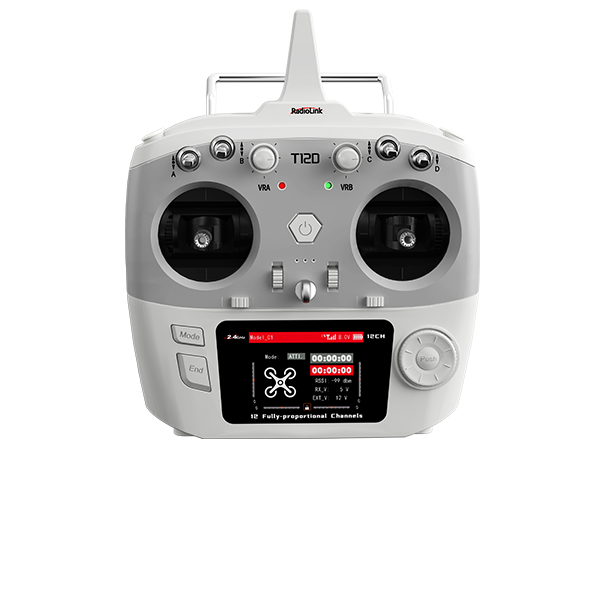
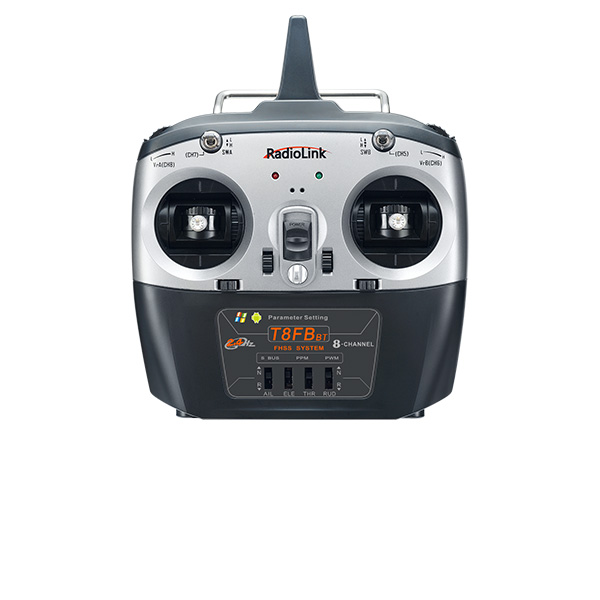
T series aircraft transmitters: 16 fully-proportional channels transmitter T16D, 12 fully-proportional channels transmitter T12D, 8 channels transmitter T8FB(BT), T8S(BT), T8FB(OTG), and T8S(OTG).
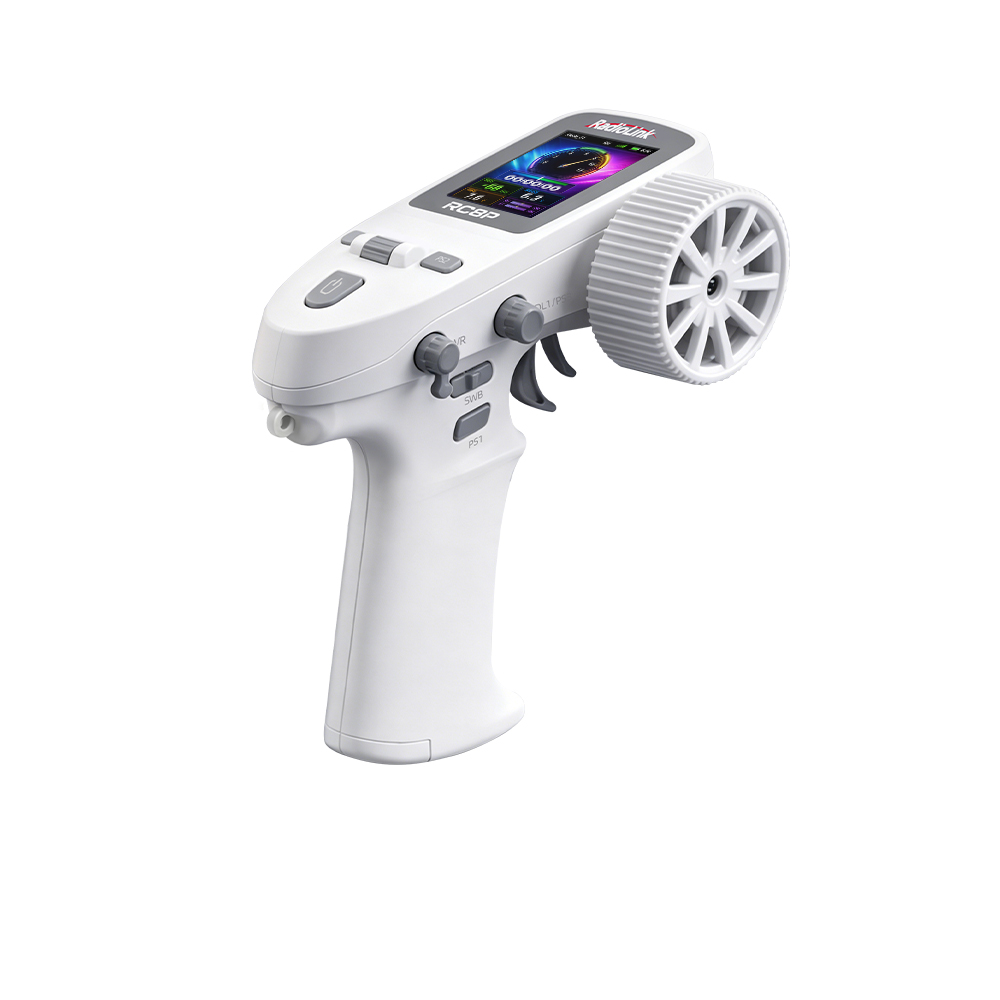
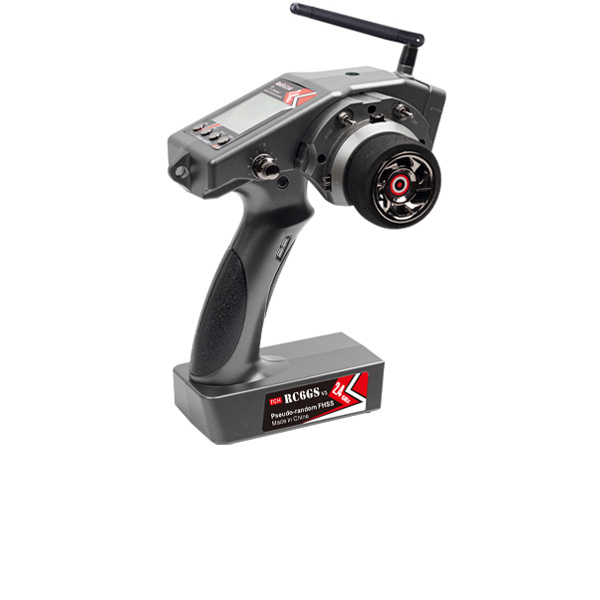
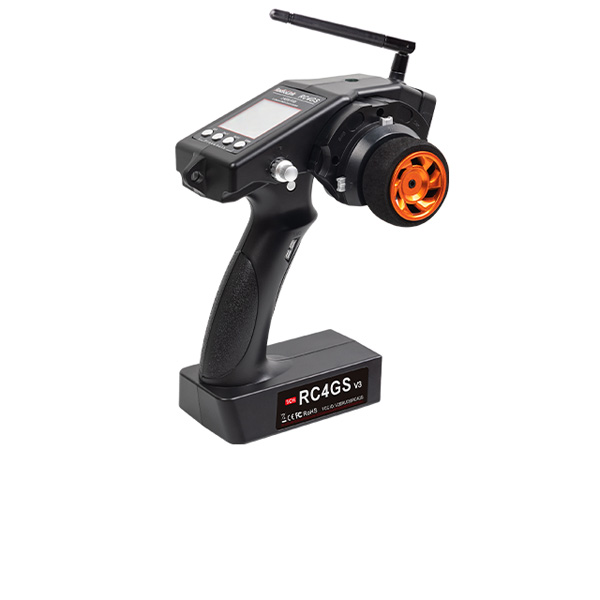
All the surface transmitters: 8 channels transmitter RC8X, 7 channels transmitter RC6GS V3, 5 channels transmitter RC4GS V3, 6 channels transmitter RC6GS V2, RC6GS, and 4 channels transmitter RC4GS V2, RC4GS.
Q: How do you bind R12F to the transmitter?
Q: How do you bind R12F to the transmitter?
A:
1. Put the transmitter and the receiver close to each other (about 50 centimeters) and power both on.
2. Switch on the transmitter and the LED of R12F will start flashing slowly.
3. There is a black binding button (ID SET) on the side of the receiver. Press the button for more than 1 second and release, the LED will flash quickly, meaning the binding process is ongoing.
4. When the LED stops flashing and is always on, binding is complete and there will be a signal tower shown on top of the transmitter's screen.
Note: If bound to transmitters without a screen like T8S or T8FB, the always-on LED means the binding is completed.
Q: Why does the LED of R12F keep flashing slowly?
Q: Why does the LED of R12F keep flashing slowly?
A: The slow flashing LED means binding doesn’t succeed or the signal gets lost after binding completes.
Q: What is the operating voltage range that R12F supports?
Q: What is the operating voltage range that R12F supports?
A: The operating voltage range of R12F is from 3V to 12V.
Q: Can the frequency and level of R16F/R12F receiver be changed?
Q: Can the frequency and level of R16F/R12F receiver be changed?
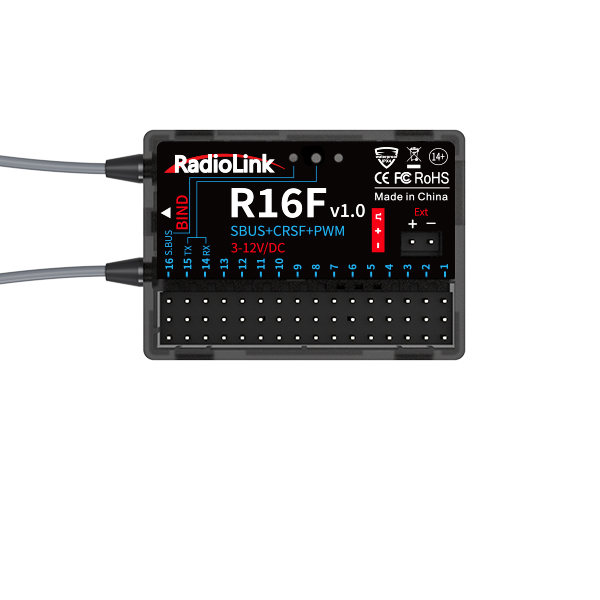
A: No. The frequency of R16F/R12F receiver is 2400MHz~2483.5MHz, which cannot be changed. And the receiver does not have continuous high and low levels.
Q: When R16F/R12F is used together with T16D/T12D, only the first 8 channels of the receiver can work well, but the other channels do not work at all. Why?
Q: When R16F/R12F is used together with T16D/T12D, only the first 8 channels of the receiver can work well, but the other channels do not work at all. Why?
A: FHSS V1 and FHSS V2 protocols support 8 channels, but FHSS V2.1 protocol supports 16 channels. When using R16F and 12F, if FHSS V1 or FHSS V2 protocol is selected, only 8 channels are available on the receiver. Please enter MAIN MENU--Receiver Settings--RF SETTINGS--PROTOCOL, and select FHSS V2.1 protocol.
Q: How to play simulator with R12F receiver?
Q: How to play simulator with R12F receiver?
A: R12F supports built-in simulator function. You can connect R12F to the computer with a Type-C cable to play simulator. Here is a related tutorial:
https://www.youtube.com/watch?v=1Gh5ZhDTZ5o
Q: How to bind R12F to the transmitter and how to switch the working modes of R12F?
Q: How to bind R12F to the transmitter and how to switch the working modes of R12F?
A: Please follow this tutorial:
https://www.youtube.com/watch?v=n5nCGDuu0L8
Q: How to test RSSI with T12D transmitter and R12F receiver?
Q: How to test RSSI with T12D transmitter and R12F receiver?
A: Please follow this tutorial: https://www.youtube.com/watch?v=gwKzE4DdTII
Q: How to install the receiver antenna?
Q: How to install the receiver antenna?
A: Please follow this tutorial: https://www.youtube.com/watch?v=-e1XzRnMnhs
Q: How to supply power to the receiver without using the ESC?
Q: How to supply power to the receiver without using the ESC?
A: Please follow this tutorial: https://www.youtube.com/watch?v=nquuvM3hmtw





 简体中文
简体中文- English