


 简体中文
简体中文 English
FAQ
Q: What signal does R12DSE support?
Q: What signal does R12DSE support?
A: R12DSE supports SBUS signal output.
Q: What transmitters are compatible with R12DSE?
Q: What transmitters are compatible with R12DSE?
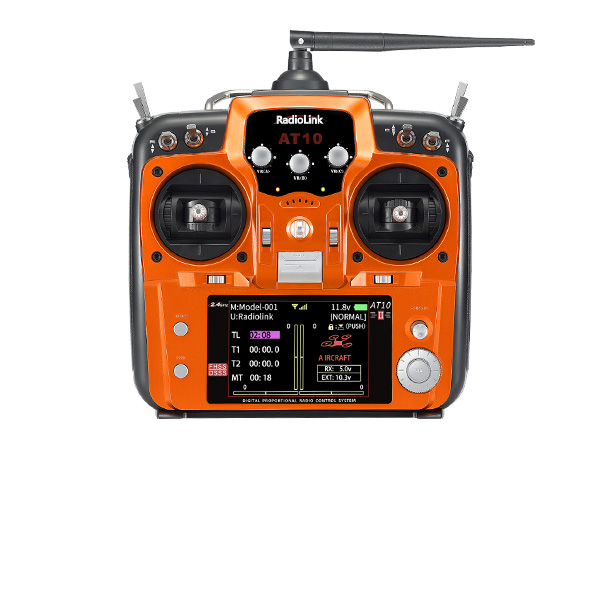
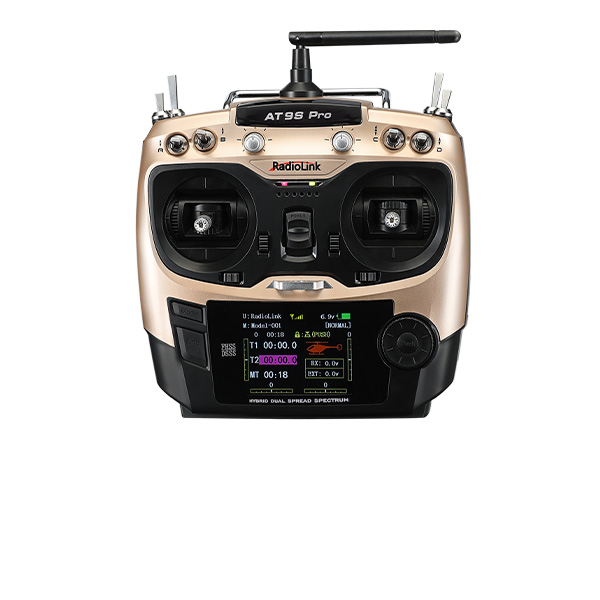
A: R12DSE is compatible with RadioLink AT series aircraft transmitters AT10II, AT10, AT9S Pro, AT9S, AT9.
Q: How do you bind R12DSE to the transmitter?
Q: How do you bind R12DSE to the transmitter?
A:
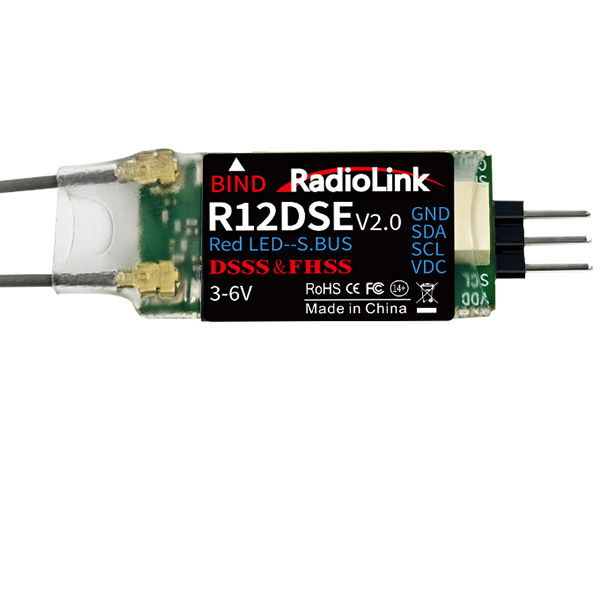
1. Put the transmitter and the receiver close to each other (about 50 centimeters) and power both on.2. Switch on the transmitter and the LED of R12DSE will start flashing slowly.
3. There is a black binding button (ID SET) on the side of the receiver. Press the button for more than 1 second and release, the LED will flash quickly, meaning the binding process is ongoing.
4. When the LED stops flashing and is always on, binding is complete and there will be a signal tower shown on top of the transmitter's screen.
Q: Why does the LED of R12DSE keep flashing slowly?
Q: Why does the LED of R12DSE keep flashing slowly?
A: The slow flashing LED means binding doesn’t succeed or the signal gets lost after binding completes.
Q: What is the operating voltage range that R12DSE supports?
Q: What is the operating voltage range that R12DSE supports?
A: The operating voltage range of R12DSE is from 3V to 6V.
Q: How to use the telemetry function of R12DSE?
Q: How to use the telemetry function of R12DSE?
A: Please follow this tutorial: https://www.youtube.com/watch?v=7tCvn47-d8w
Q:How to bind R12DSE to the transmitter and what are the working modes of R12DSE?
Q:How to bind R12DSE to the transmitter and what are the working modes of R12DSE?
A: Please refer to the tutorial: https://www.youtube.com/watch?v=rbkzAEtt0ic
Q: The servos shake violently. How to fix it?
Q: The servos shake violently. How to fix it?
A: When using different receivers, you need to set CH-SELECT on AT10II/AT9S Pro/AT10/AT9S/AT9. Select 10CH for R9DS/R6DS/R6DSM receiver and select 12CH for R12DS/R12DSE/R12DSM receiver. If the selection is wrong, the servos will shake violently and cannot work well.
Here is a tutorial of it for your reference:
https://www.youtube.com/watch?v=gB4pu0t3F2s
Q: Can AT10II/AT9S Pro/AT10/AT9S/AT9 be bound to multiple receivers at the same time?
Q: Can AT10II/AT9S Pro/AT10/AT9S/AT9 be bound to multiple receivers at the same time?
A: Yes. You can bind them one by one. When binding one of the receiver, other receivers need to be powered off. After you have bound all the receivers to AT10II/AT9S Pro/AT10/AT9S/AT9, power on all the receivers, the transmitter can control all the receivers at the same time.
Q: The receiver cannot be bound to AT10II/AT9S Pro/AT10/AT9S/AT9. Why?
Q: The receiver cannot be bound to AT10II/AT9S Pro/AT10/AT9S/AT9. Why?
A: Could you please follow the below methods to troubleshoot the problem?
1.Check if you have turned on the RF-MODE on the transmitter. Enter Basic menu-PARAMETER--RF-MODE. Set RF-MODE to ON.
2.Then please follow the binding tutorial to bind the receiver to the transmitter:
https://www.youtube.com/watch?v=KpSXgxUHlPw
3.You can replace another receiver to have a try to confirm if the problem comes from the receiver or the transmitter.
4.If the problem still exists, please send a binding tutorial to after_service@radiolink.com.cn to confirm the problem.
Q: The control range is short. How to troubleshoot the problem?
Q: The control range is short. How to troubleshoot the problem?
A: 1. Please test RSSI. Here is the tutorial of RSSI testing: https://www.youtube.com/watch?v=jr7ad-_MVoI
2.Check the antenna condition of the transmitter and the receiver.
3.Make sure the antenna is not near the metal or carbon fiber materials.
4.Please replace another receiver to have a try. It can help to confirm if the problem comes from the receiver or the transmitter.
Q: How to test RSSI with AT10II/AT9S Pro/AT10/AT9S/AT9 transmitter and receivers?
Q: How to test RSSI with AT10II/AT9S Pro/AT10/AT9S/AT9 transmitter and receivers?
A: Please follow this tutorial: https://www.youtube.com/watch?v=jr7ad-_MVoI
Q: How to supply power to the receiver without using the ESC?
Q: How to supply power to the receiver without using the ESC?
A: Please follow this tutorial: https://www.youtube.com/watch?v=nquuvM3hmtw
Q: How to output the RSSI value from the receiver to FPV when the transmitter is AT10II/AT9S Pro/AT10/AT9S/AT9, the flight controller is F4/ F7/ F722/F405, and the receiver is R12DS/R12DSE/R12DSM/R9DS/R6DS/R6DSM?
Q: How to output the RSSI value from the receiver to FPV when the transmitter is AT10II/AT9S Pro/AT10/AT9S/AT9, the flight controller is F4/ F7/ F722/F405, and the receiver is R12DS/R12DSE/R12DSM/R9DS/R6DS/R6DSM?
A: Please follow the guide: https://radiolink.com.cn/attransmitter_betaflight_rssi_output
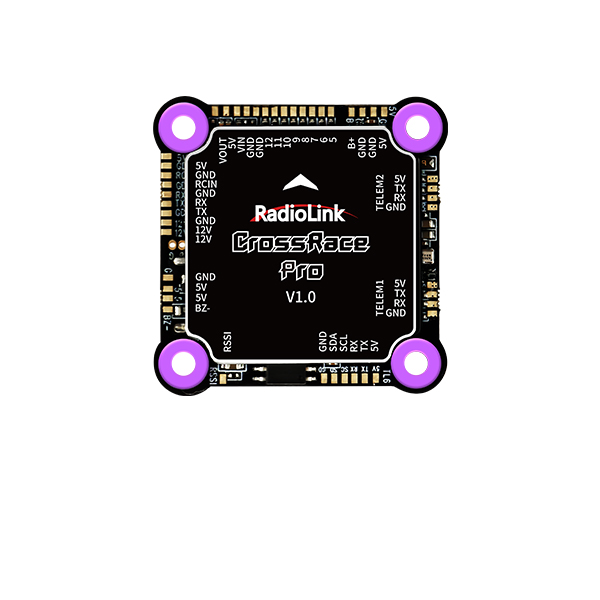
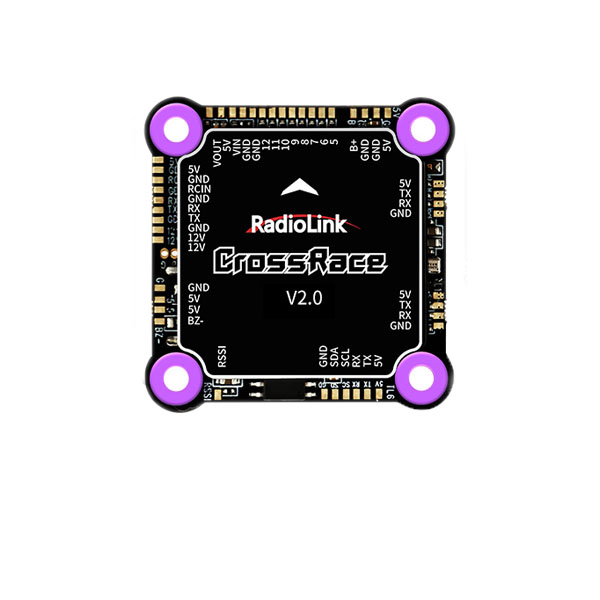
Q: How to output the RSSI value from the receiver to FPV when the transmitter is AT10II/AT9S Pro/AT10/AT9S/AT9, the flight controller is PIX6/PIXHAWK/CrossFlight/CrossFlight-CE/CrossRace/CrossRace Pro/Mini Pix, and the receiver is R12DS/R12DSE/R12DSM/R9DS/R6DS/R6DSM?
Q: How to output the RSSI value from the receiver to FPV when the transmitter is AT10II/AT9S Pro/AT10/AT9S/AT9, the flight controller is PIX6/PIXHAWK/CrossFlight/CrossFlight-CE/CrossRace/CrossRace Pro/Mini Pix, and the receiver is R12DS/R12DSE/R12DSM/R9DS/R6DS/R6DSM?
A: Please follow the guide: https://radiolink.com.cn/attransmitter_pixhawk_rssi_output