


 简体中文
简体中文 English
FAQ
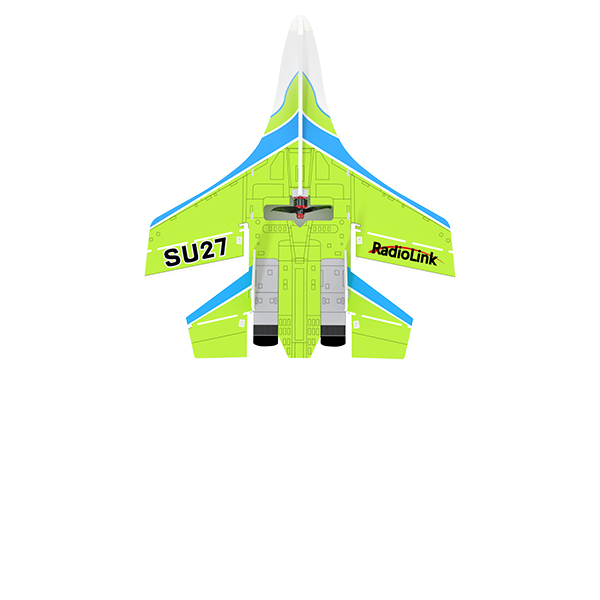
Q: What flight modes does SU27 support?
Q: What flight modes does SU27 support?
A: Stabilize Mode, Gyro Mode, and Manual Mode.
Q: How to adjust the gyro sensitivity of SU27?
Q: How to adjust the gyro sensitivity of SU27?
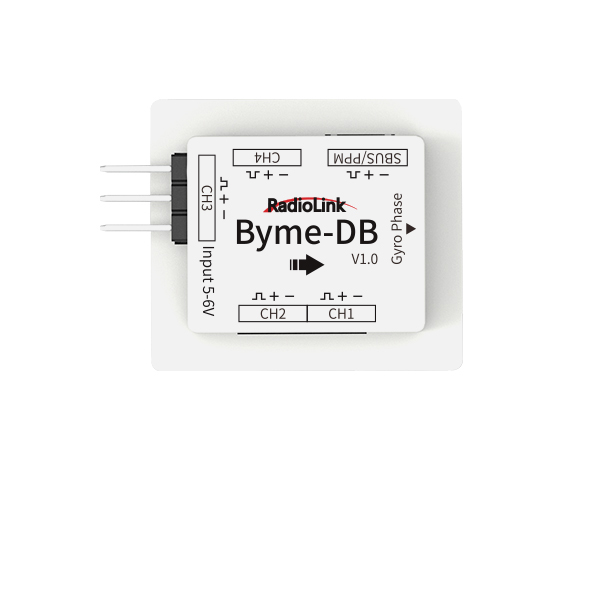
A: SU27 comes with Byme-DB flight controller. Sorry the gyro sensitivity of Byme-DB flight controller cannot be adjusted on the transmitter or on the flight controller. You can adjust the position of the servo arm buckle to adjust the gyro sensitivity.
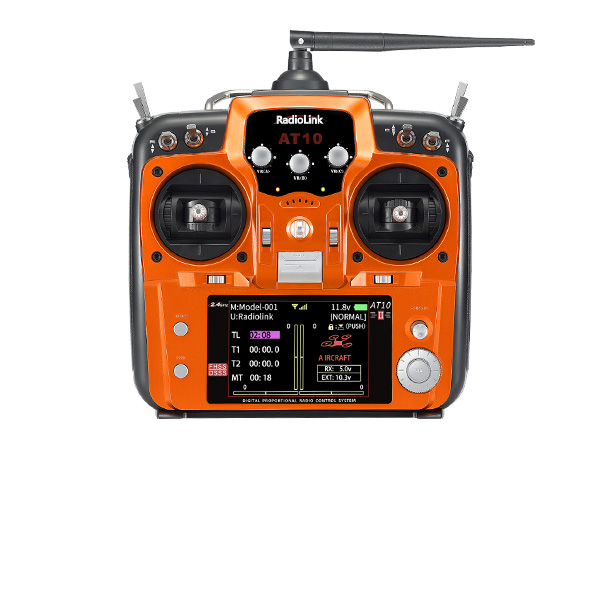
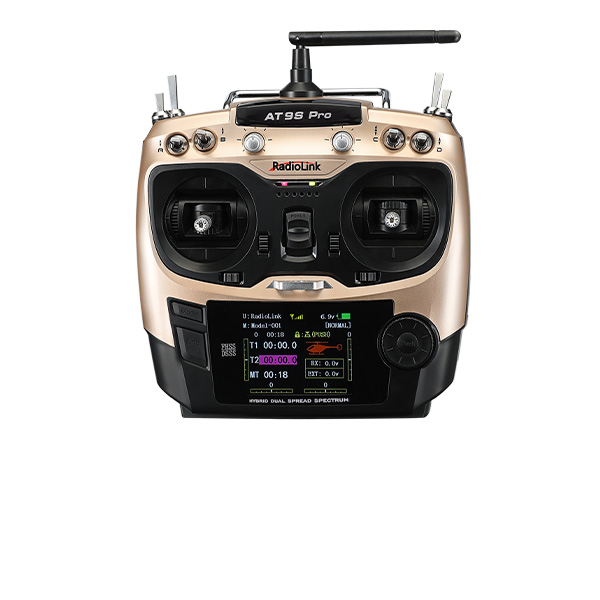
Q: How to set AT9S Pro/AT10II to control SU27?
Q: How to set AT9S Pro/AT10II to control SU27?
A: Please refer to the tutorial:https://www.youtube.com/watch?v=3rMvwEX8T_0
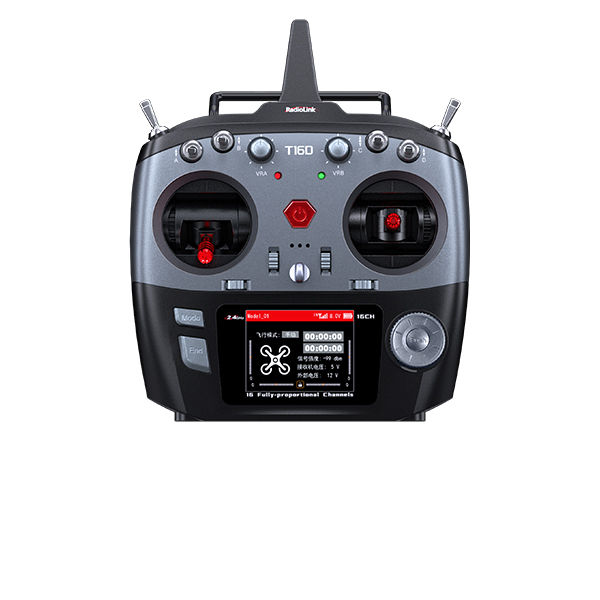
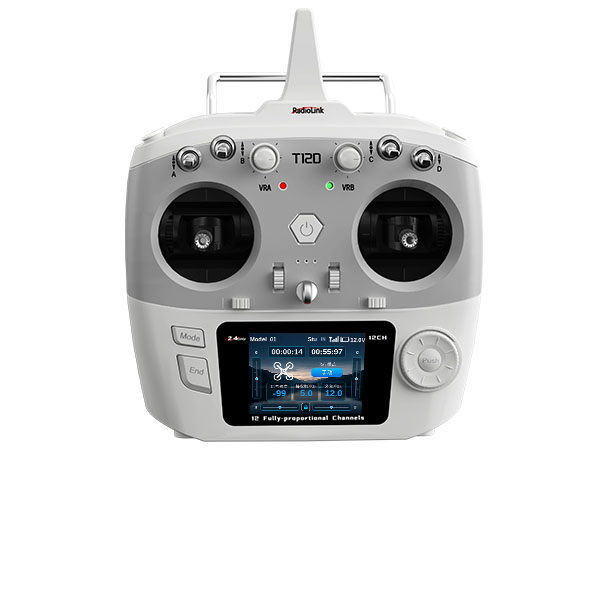
Q: How to set T16D/T12D to control SU27?
Q: How to set T16D/T12D to control SU27?
A: Please refer to the tutorial:https://www.youtube.com/watch?v=WqMwQ_6mvIc
Q: What to do when the attitude calibration cannot be finished by pushing the left stick (left and down) and the right stick (right and down)?
Q: What to do when the attitude calibration cannot be finished by pushing the left stick (left and down) and the right stick (right and down)?
A: First, make sure to set the direction of the channel as below:
Throttle channel-- Reversed, other channels -- Normal.
If you set the direction of the channel as above, but the attitude calibration cannot be finished by pushing the left stick (left and down) and the right stick (right and down), please enter the menu of the transmitter to set the direction of the channel. The direction of the throttle channel still remains reversed. But for other channels, please try the following 3 combinations to set the channel direction and then calibrate the attitude by pushing the left stick (left and down) and the right stick (right and down):
Combination 1: Channel 1- Normal, Channel 2- Reversed
Combination 2: Channel 1- Reversed, Channel 2- Normal
Combination 3: Channel 1- Reversed, Channel 2- Reversed
When the attitude calibration can be done by pushing the left stick (left and down) and the right stick (right and down) with any one of the above combinations of the channel direction, save it and do not make any modifications. After the attitude calibration is finished, please check the servo direction next.
Q: When my delta wing is powered on, why the servos don't move with joysticks toggled?
Q: When my delta wing is powered on, why the servos don't move with joysticks toggled?
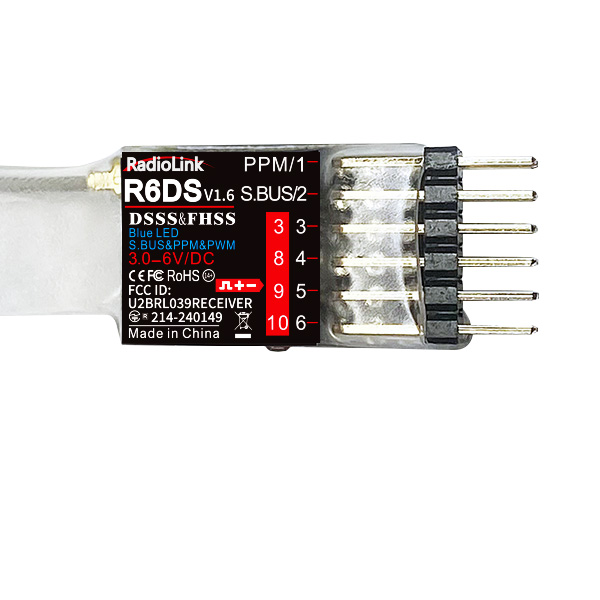
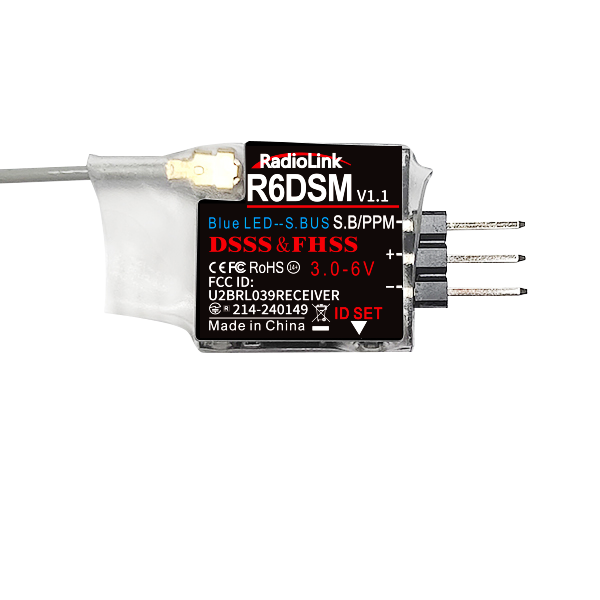
A: 1) Make sure the binding is done and the signal output of receiver is SBUS or PPM. Please refer to the user manual of the receiver for the detailed steps.
2) Level the aircraft on the ground and power it on and the transmitter. The aircraft will do auto checking, which takes a short time. When it's done with success, a music tone from ESC will be heard. Then try operating the transmitter to see if servos move.
Q: When my delta wing is powered on, all servos move accordingly to the transmitter joystick except the throttle motor. Why is that?
Q: When my delta wing is powered on, all servos move accordingly to the transmitter joystick except the throttle motor. Why is that?
A: Make sure if the motor is locked. The default lock to motor is CH7 of transmitter. When the CH7 switch is toggled at the up position, the lock is off and the motor will move when the throttle is toggled. When the CH7 switch is toggled at the down position, the lock is on then the motor won't move even the throttle is toggled.