How to Flash Local INAV Firmware on Radiolink F722 Flight Controller
Notice: The version of the ground station must match the flight controller firmware. Otherwise, you will fail to connect to the flight controller for parameter configuration.
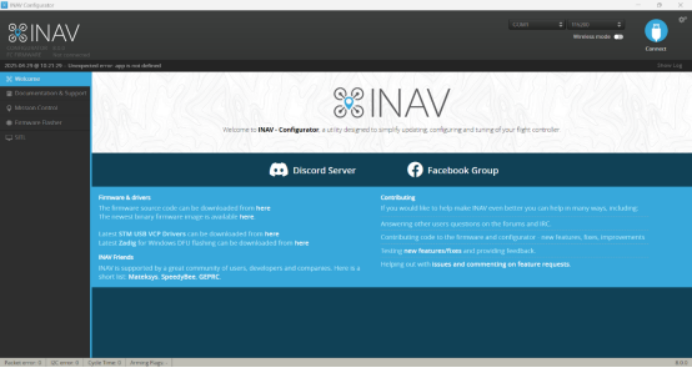
1.Launch the INAV Ground Station.
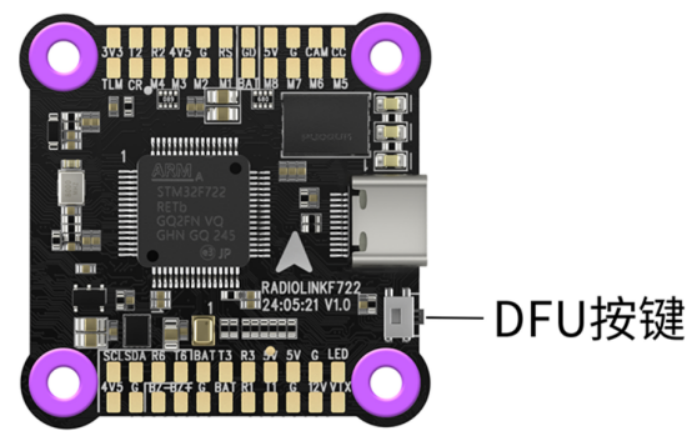
2.Press and hold the DFU button on the flight controller, then connect the controller to your computer with a Type-C cable. The flight controller will enter DFU mode and be detected by the ground station.
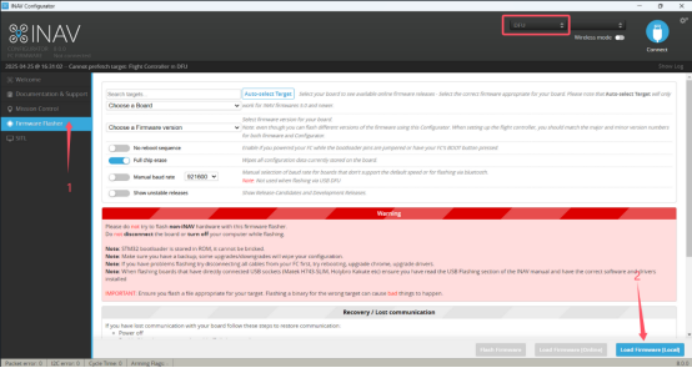
3.Go to the firmware flashing interface in INAV Ground Station, as indicated by mark 1 in the figure.
4.Click Load Firmware Local, as indicated by mark 2 in the figure.
5.Select the firmware version 8.0.0 as shown in the figure.
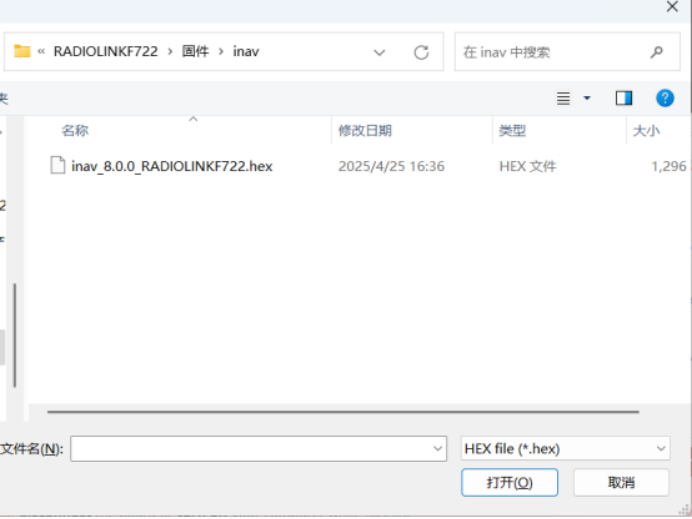
6.After selecting the firmware file, click the Flash Firmware button.
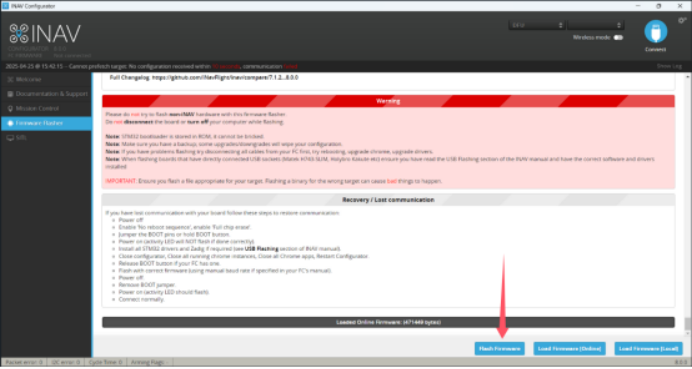
7.The firmware flashing is in progress.
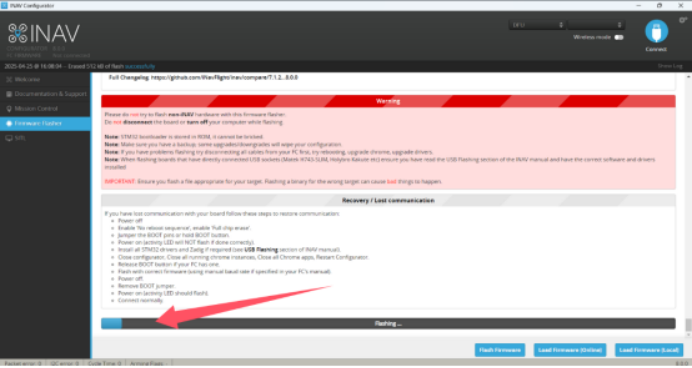
8.Firmware flashing completed successfully.